Getting started
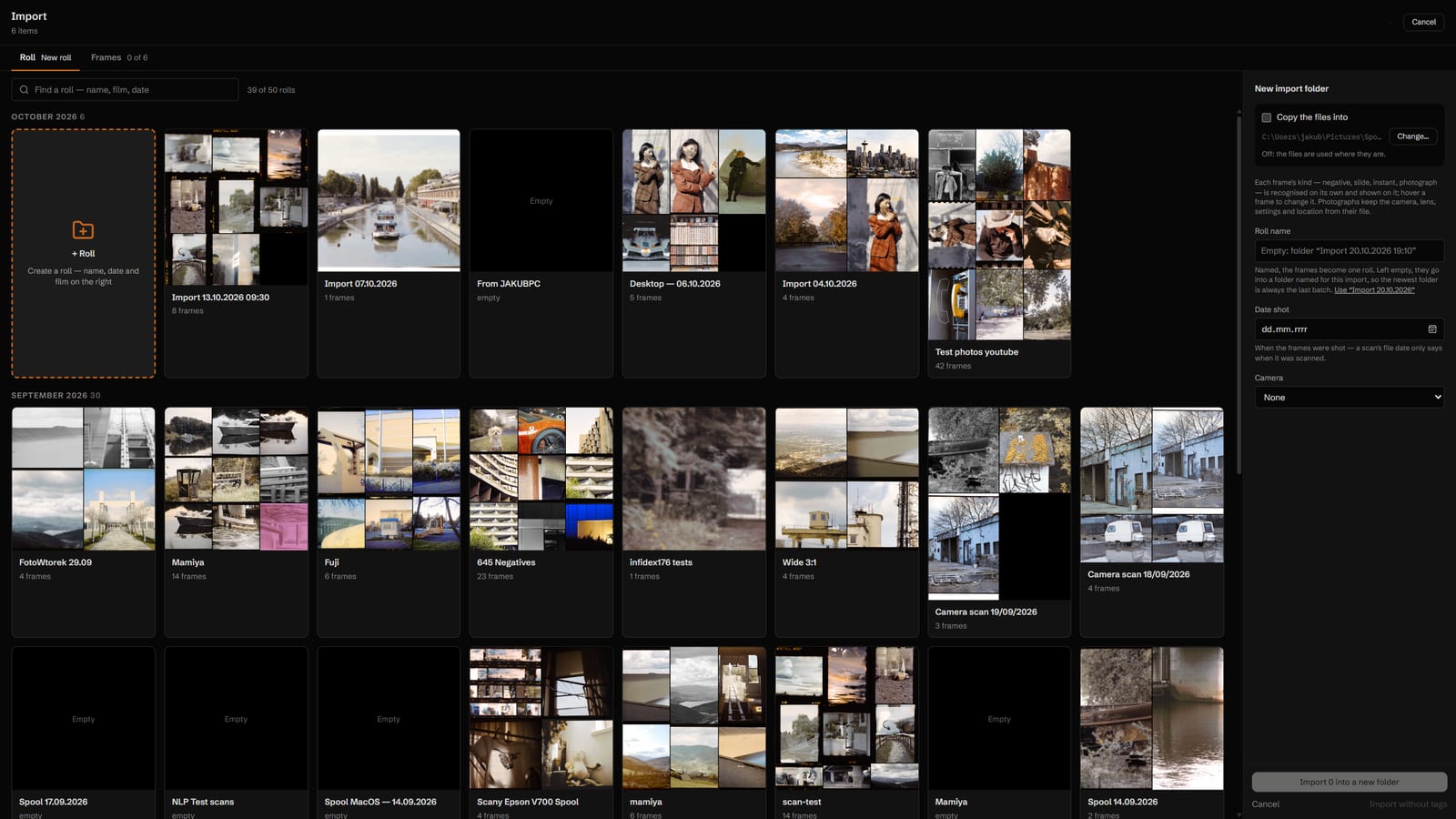
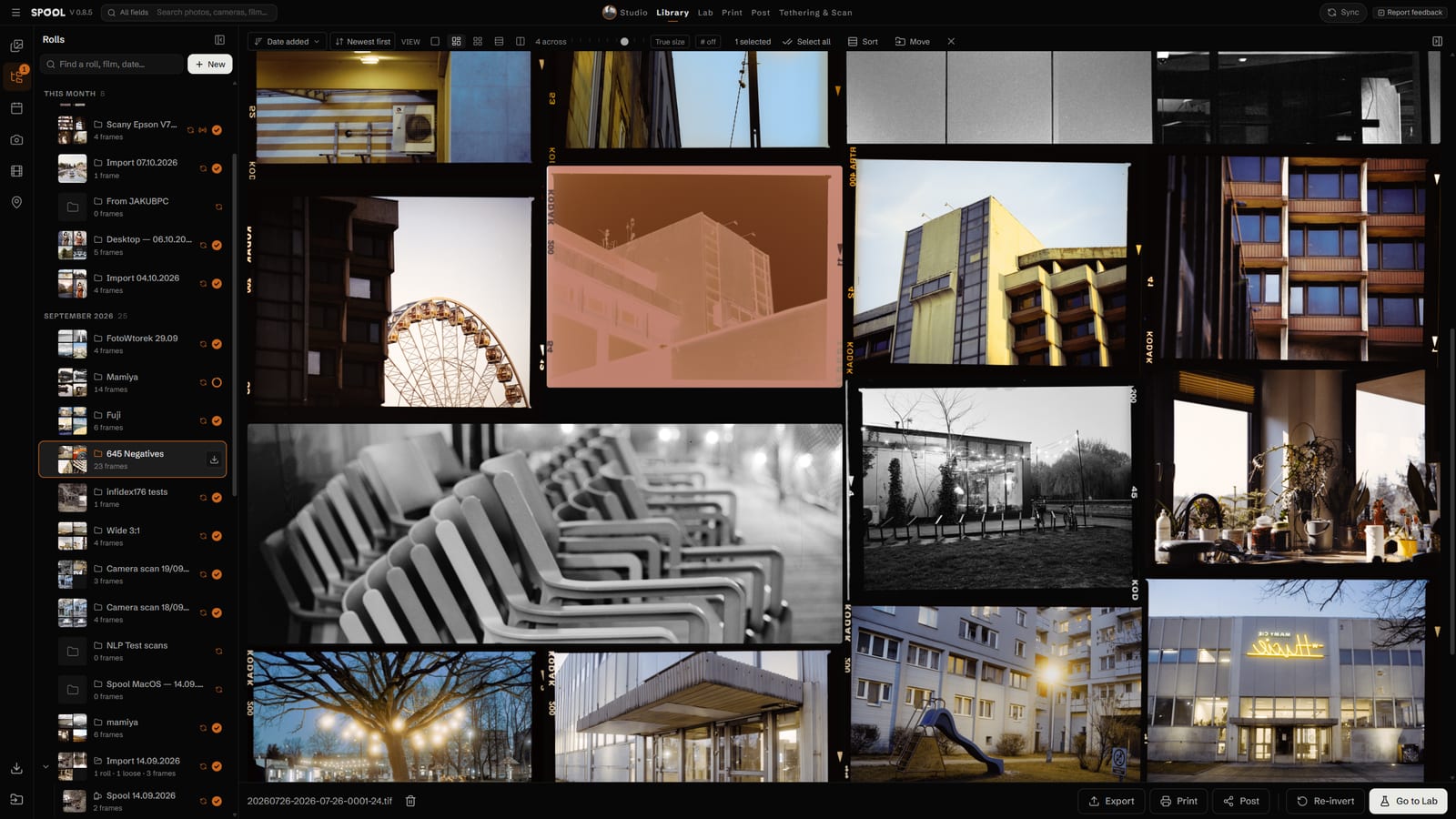
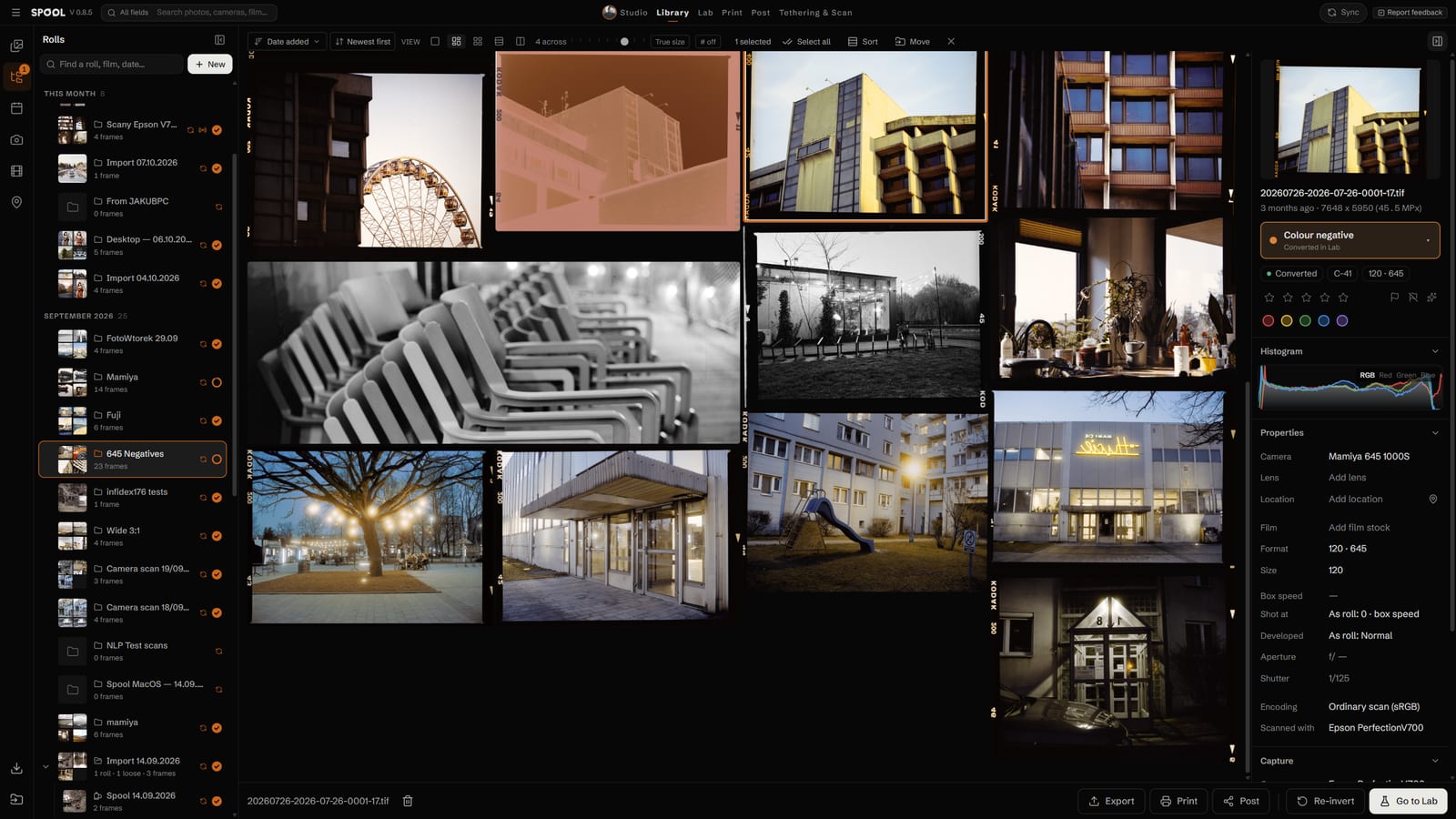
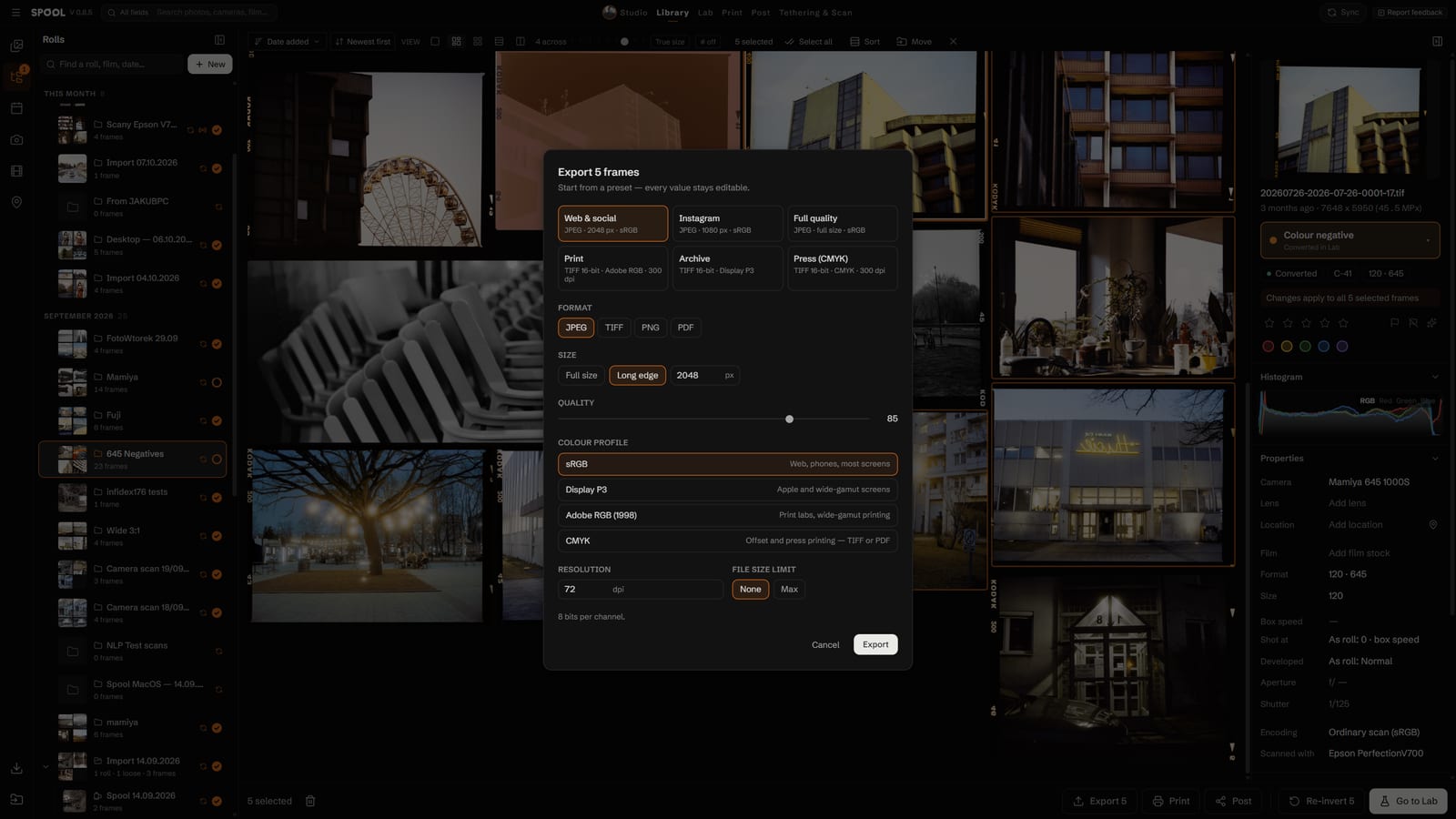
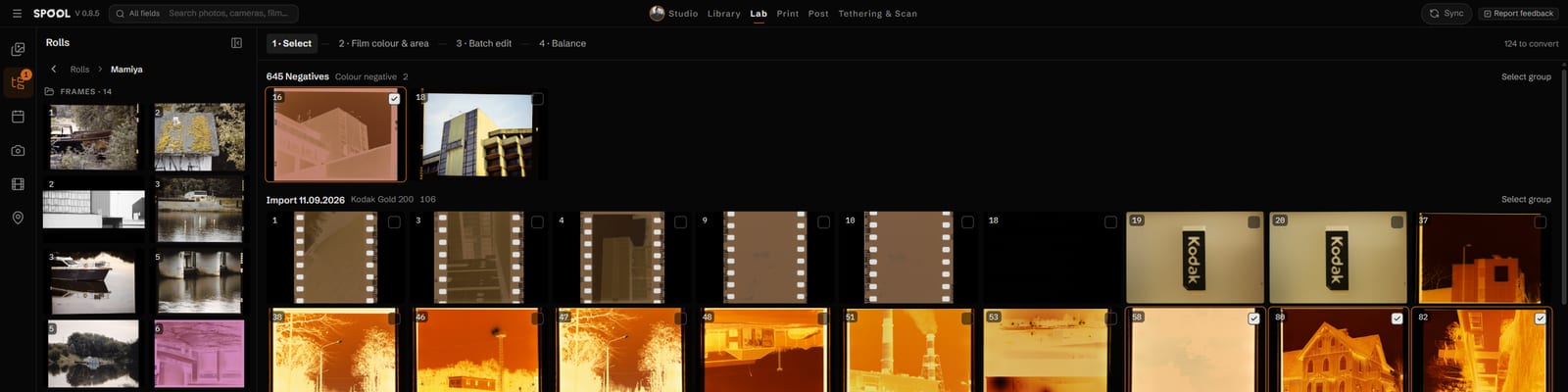
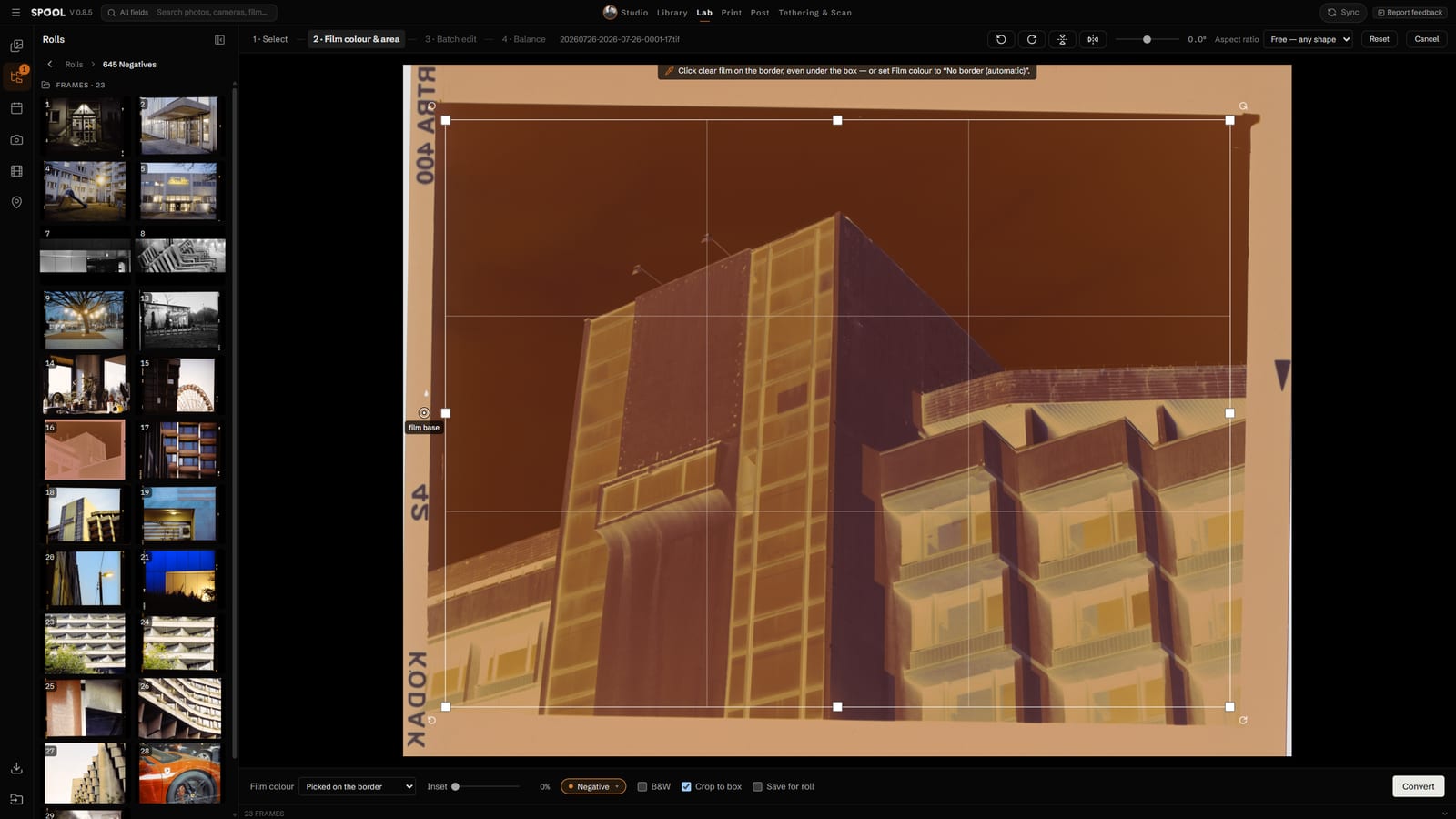
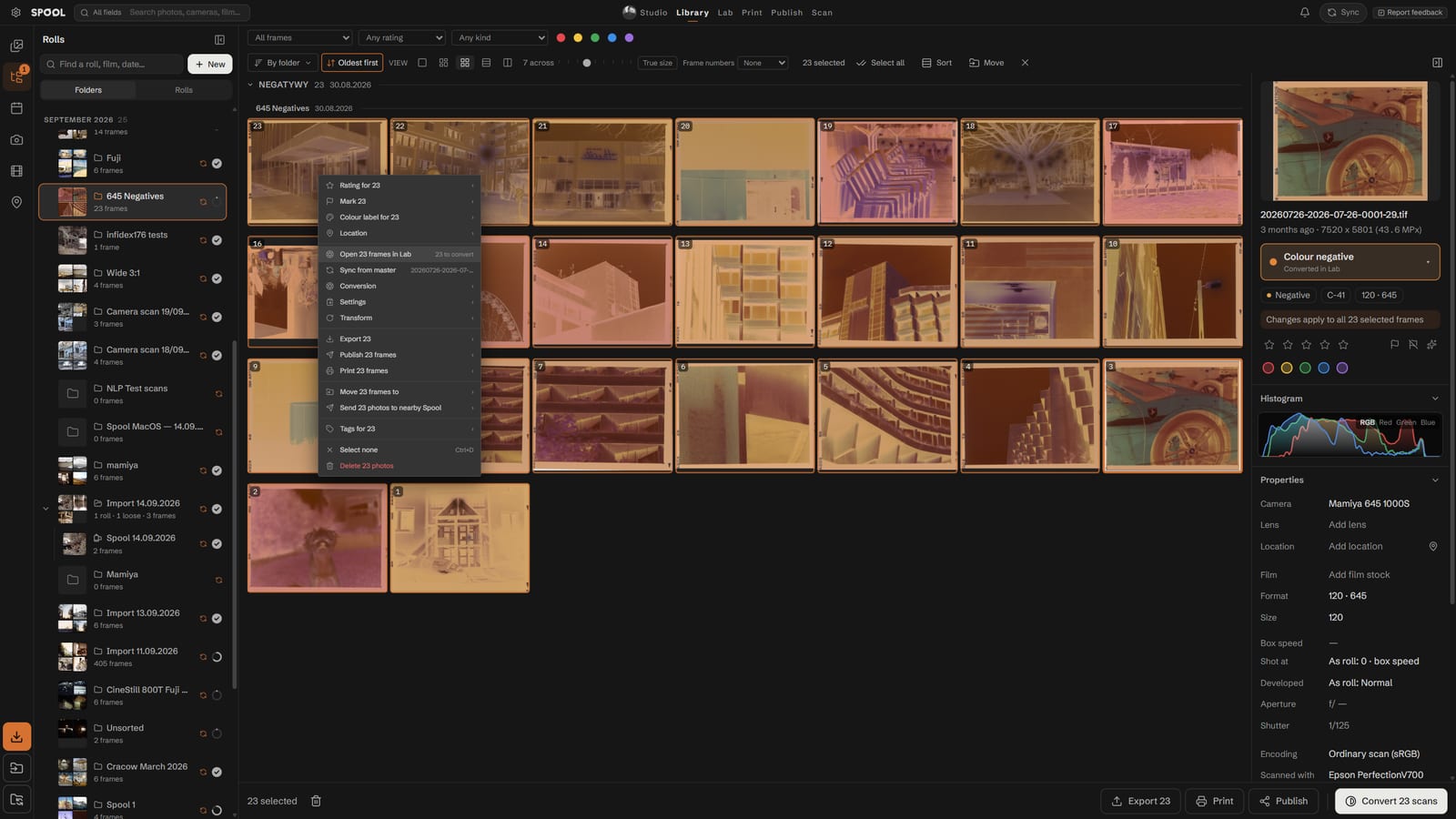
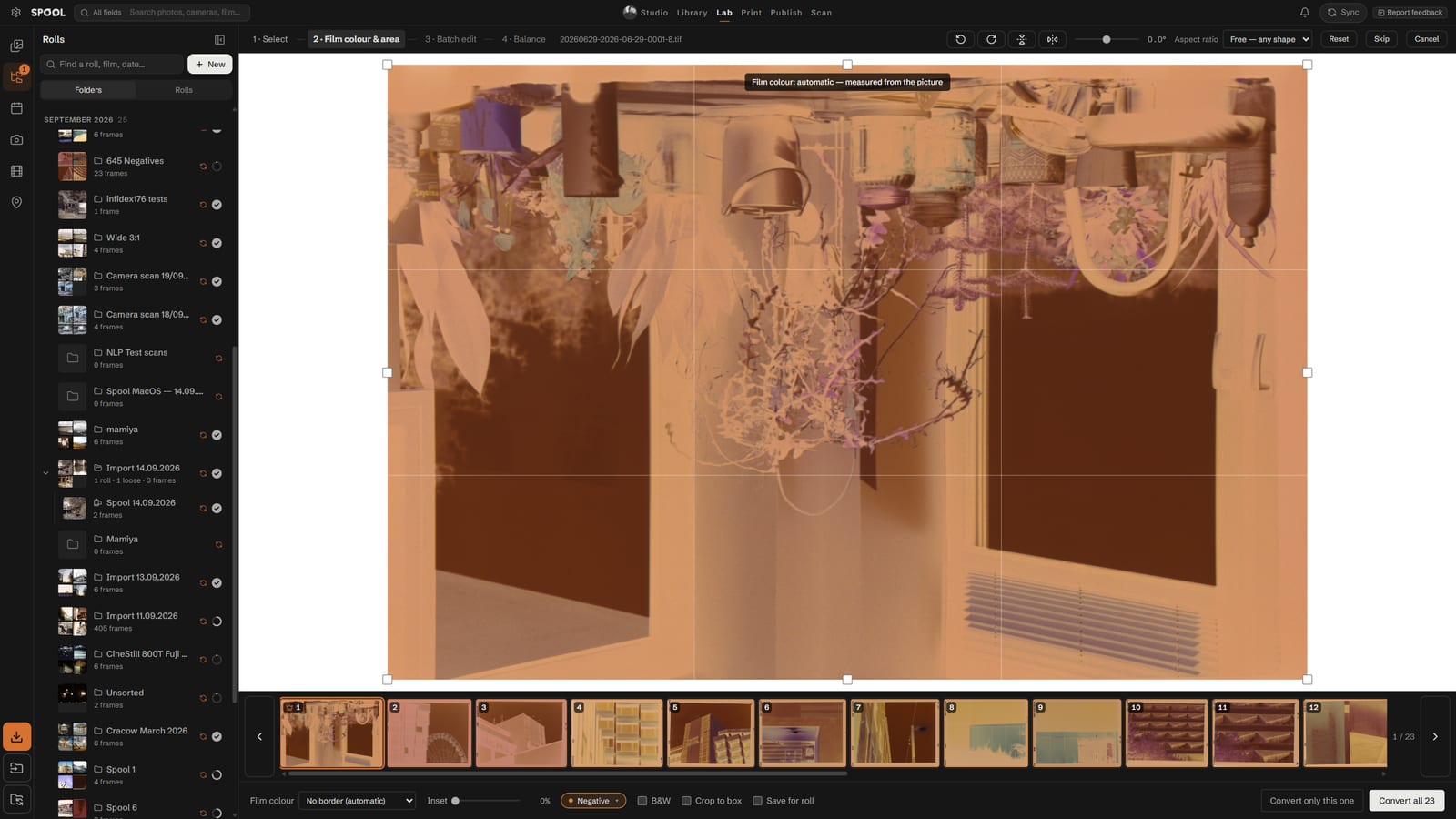
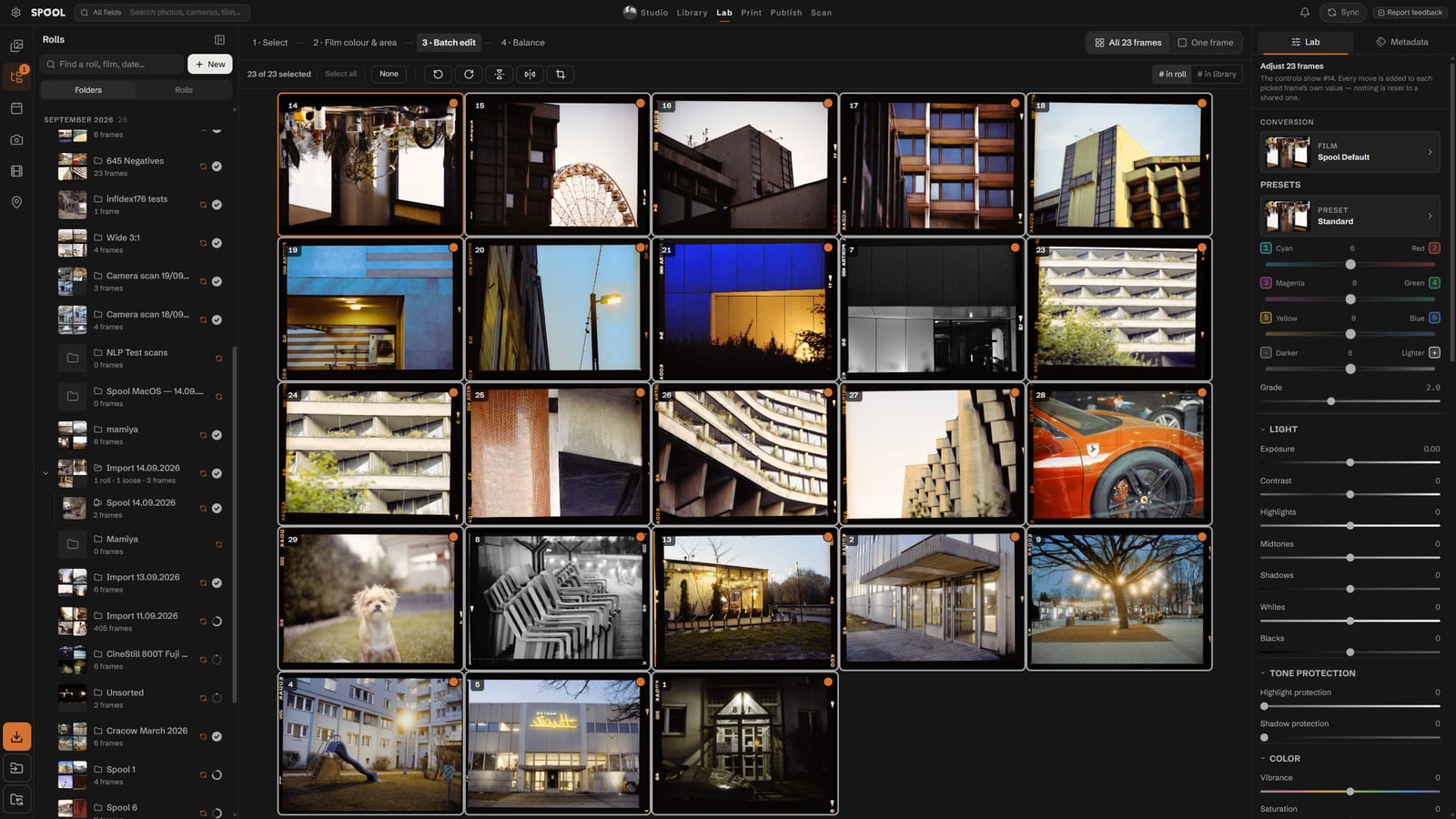
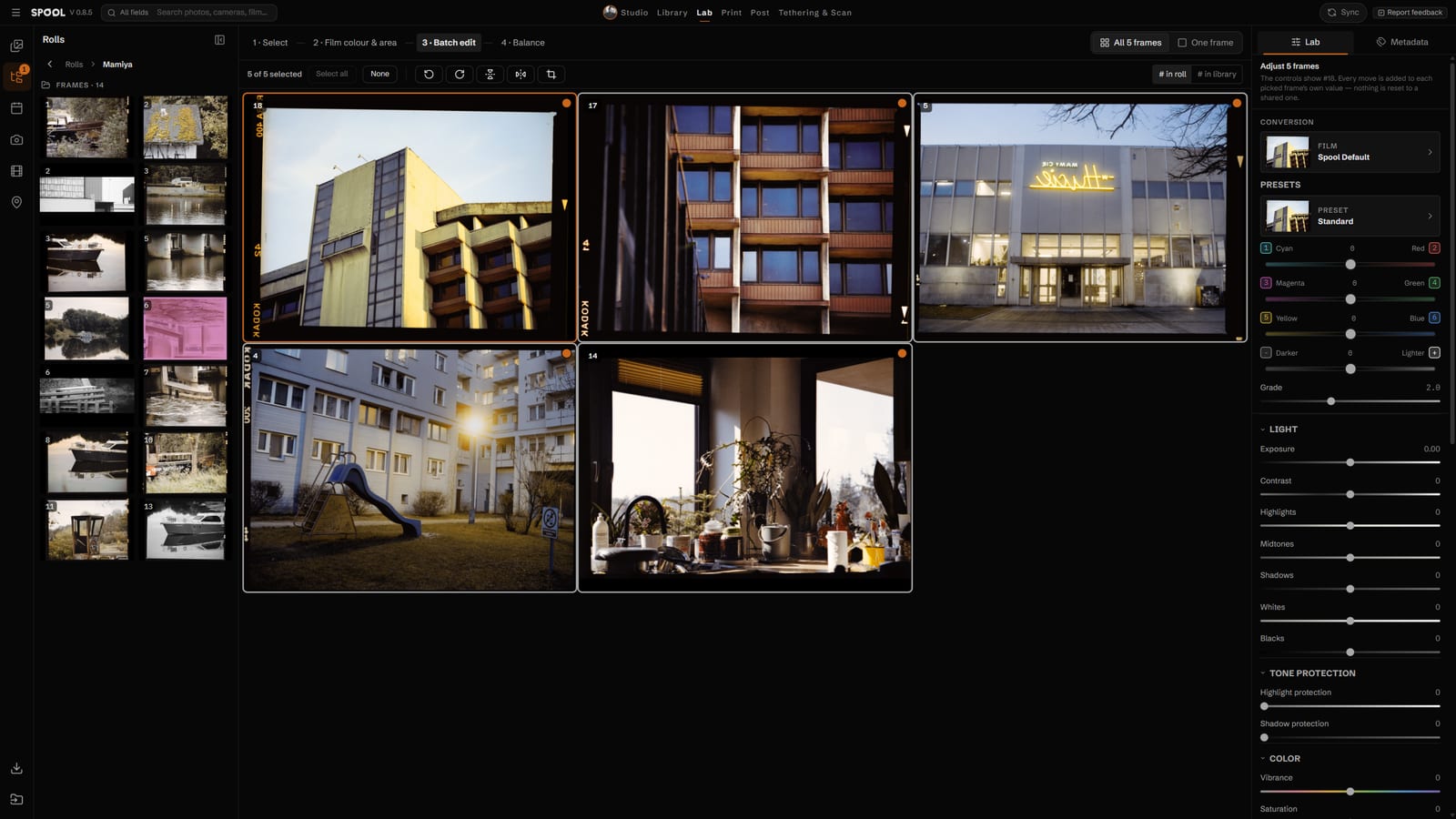
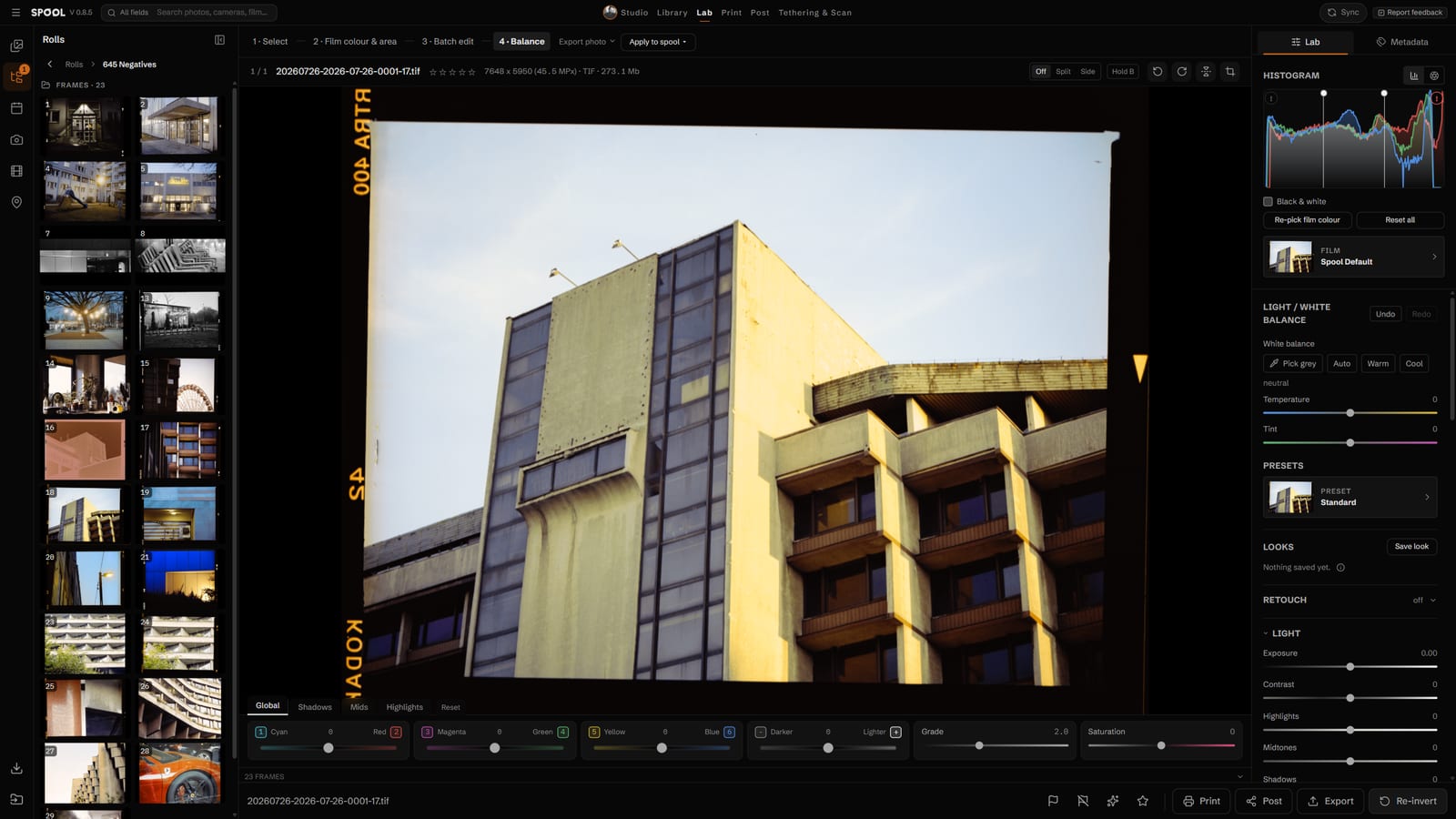
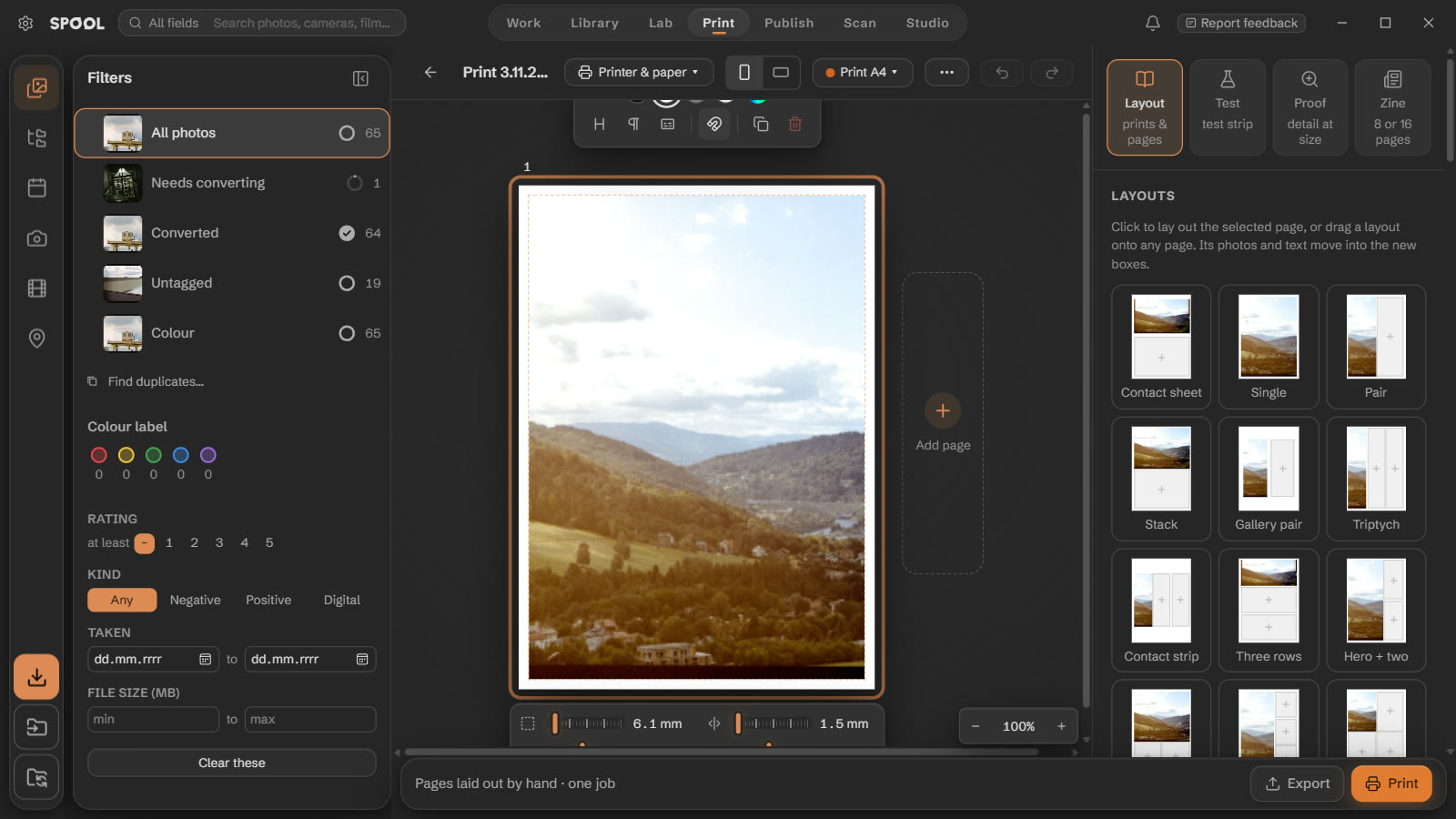
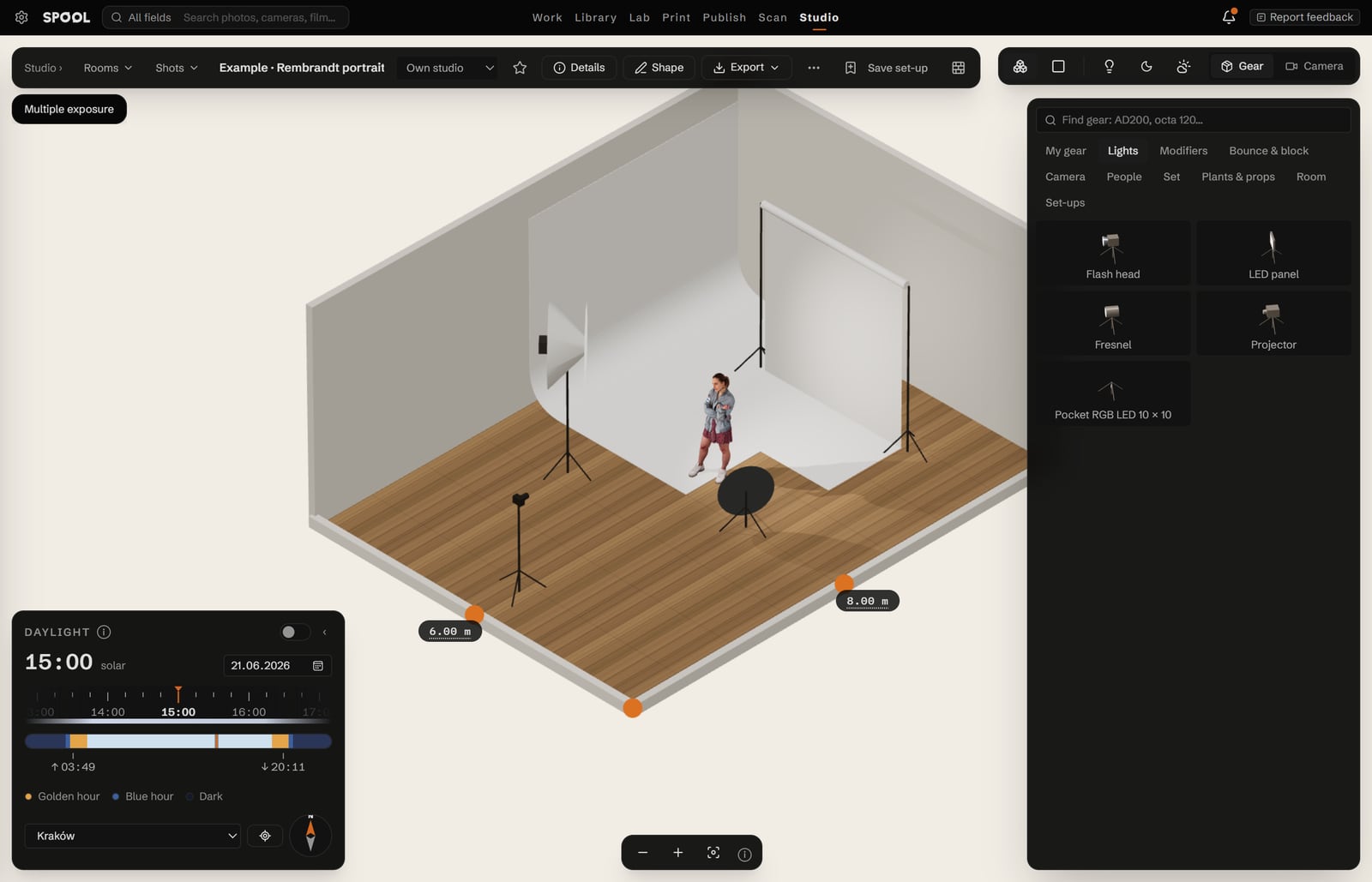
Install Spool and open it. The free version converts 36 frames, exports up to 2048 px, works on 3 frames at a time, keeps one Publish and one Print project, and opens Studio as a preview. A licence removes every limit and adds Sync, for good.
Computers using this licence — 2 of 4
- Studio PCthis computerActivated 25.09.2026Deactivate
- MacBook AirActivated 16.10.2026Deactivate
- Download Spool for Windows or macOS and install it.
- On first launch a short guide shows each tab. Close it any time — it comes back until you choose “Don't show this again”.
- To activate, click Activate at the top and enter the key and email from your Payhip receipt. One licence works on 4 computers.